MP3 Converter
Turn any video into audio, convert between 22 formats, and craft your own ringtone.
A complete audio toolbox
From video extraction to format conversion to ringtones — every tool lives here.
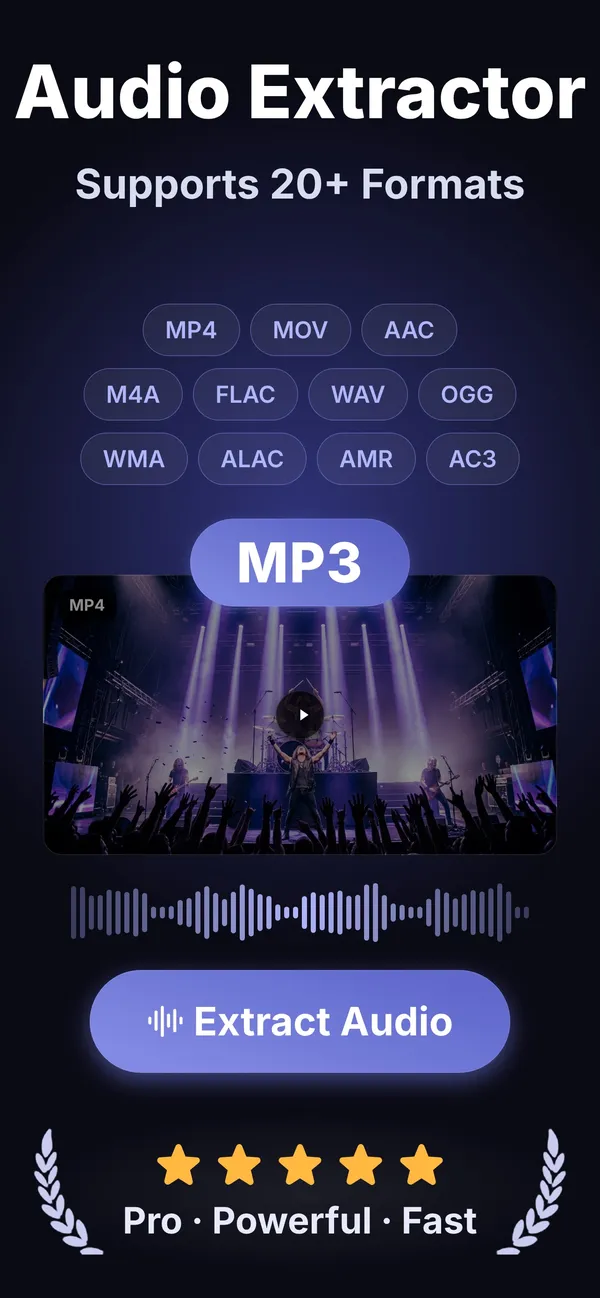
Video to audio
Drop in an MP4, MOV or any supported clip and walk away with a pristine audio track.
22 formats, one app
MP3, WAV, FLAC, AAC, OGG, WMA, M4A, ALAC, AIFF and more — no hidden paywalls per codec.
Import from anywhere
Files, Photos, Share Sheet, Wi-Fi transfer from a computer, or AirDrop from a friend's device.
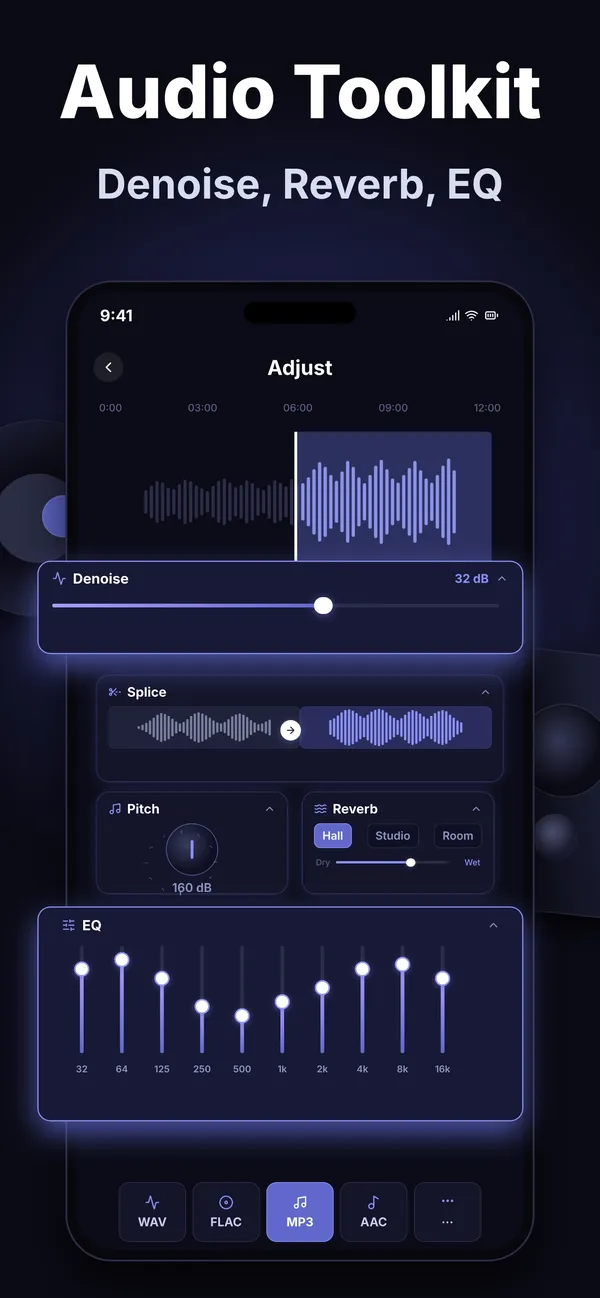
A full audio toolkit
Trim, splice, EQ, pitch, reverb and denoise — fine-tune the result before you export.
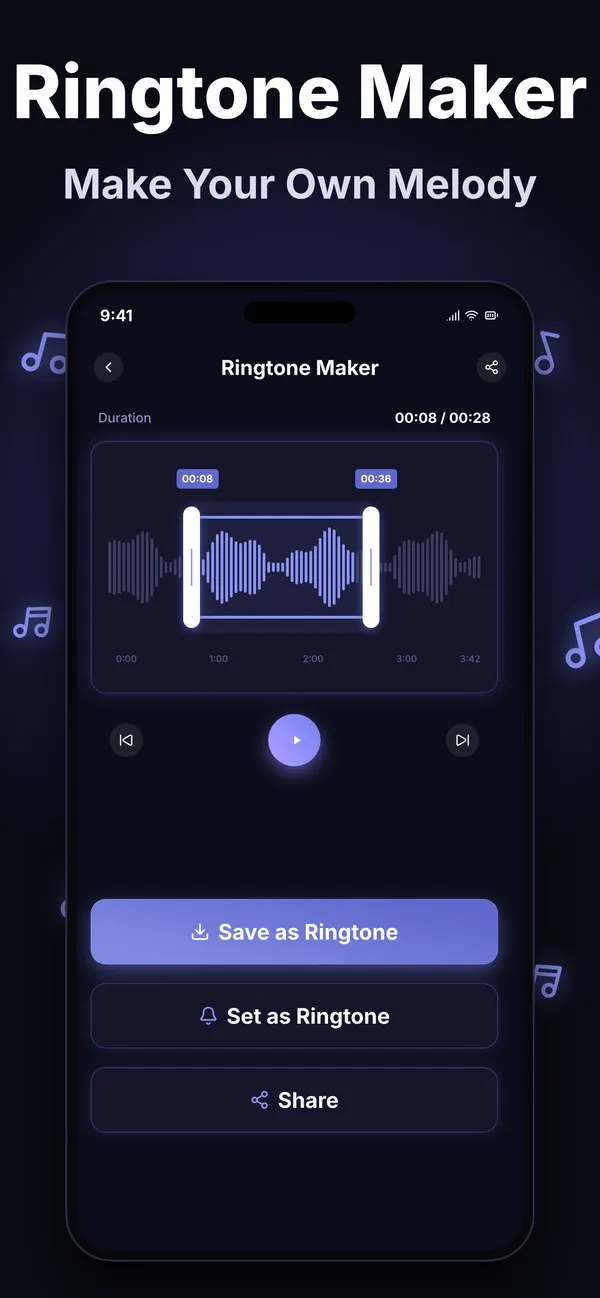
Ringtone maker
Trim, fade and export a ready-to-set ringtone for your phone in seconds.
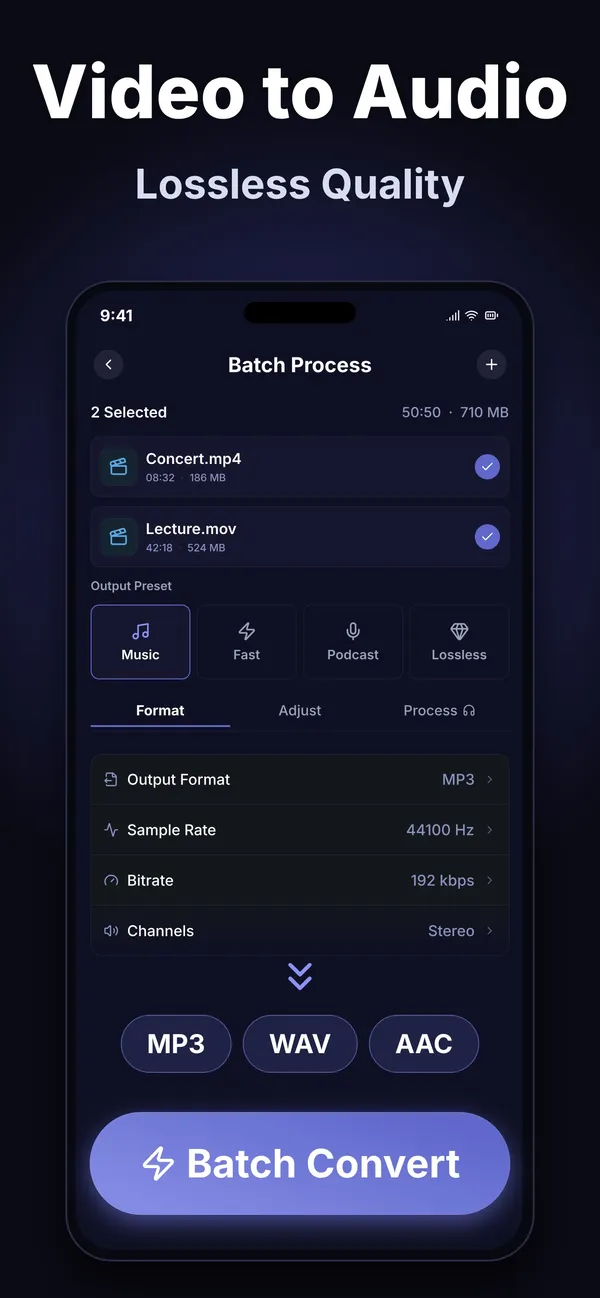
Batch convert
Queue a whole folder of files and convert them all in one go, with presets for music, podcast and lossless.
Made in three steps
Import your file
Audio or video, from Files, Photos, Share Sheet, Wi-Fi transfer or AirDrop.
Convert and edit
Pick any of 22 formats, then trim, adjust and fine-tune until it sounds right.
Export and share
Save the result, set it as a ringtone, or send it straight where it needs to go.
What will you convert?
Podcasters
Clean up interviews and export episode files in exactly the right codec.
Musicians
Move stems and demos between WAV, FLAC and ALAC without quality loss.
Video editors
Pull a clean audio track out of a finished cut in the format your workflow needs.
Language learners
Extract audio from lectures and tutorials to listen anywhere, offline.
Frequently asked questions
Is MP3 Converter free?
Yes. It is free to download, and an optional Premium plan (weekly, monthly or one-time Lifetime) unlocks the full toolkit — current plans are listed on the Subscription & Billing page.
Can I turn an MP4 or MOV video into MP3?
Yes. Import the video from Files, Photos or AirDrop, choose MP3 (or any of 22 audio formats), and export.
Does the app work offline?
Yes. Conversion, extraction and editing all run on your device — no internet, no cloud upload, no account.
Can I make a ringtone from a song?
Yes. Import the audio, trim to the section you want, add a fade if you like, and export a ringtone-ready file.
Can it isolate vocals or instrumentals from a song?
No. Vocal and instrumental separation is intentionally not included — the app focuses on format conversion, audio extraction from video, and standard audio editing.
Which devices are supported?
iPhone and iPad running iOS 15 or later, and Android devices via Google Play.
Start converting today
Free download. No account needed.